Deployable Emergency Vehicle Light
$13
- Instant download after checkout
- Download link by email and in My Account
- 24/7 support for installation and setup
- Ongoing updates
- Secure checkout
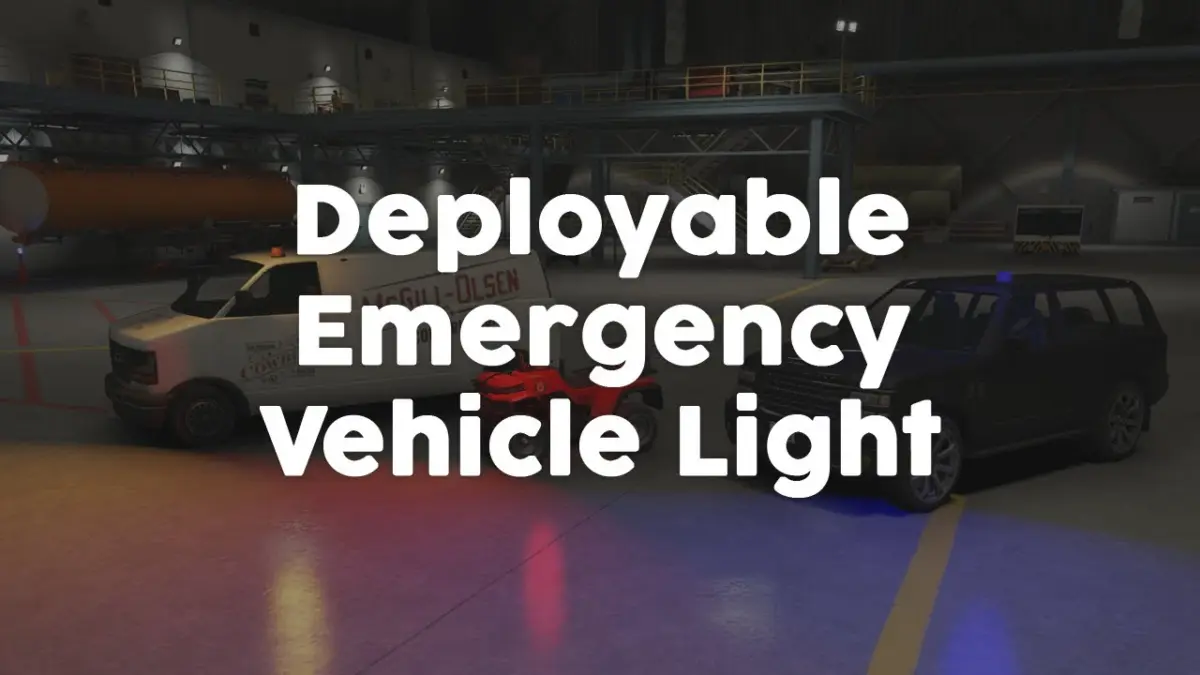
Deployable Emergency Vehicle Light includes unencrypted light props that drivers can fit to a vehicle on the spot. The script runs standalone with no dependencies if you leave the item unused. To make deployment available through an item, you need a compatible inventory script. Options include esx, qb, ox and others.
Deployable Emergency Vehicle Light
Placement on different vehicles
For a vehicle with a roof, the default configuration automatically finds a suitable spot for the light. You can set the position manually for special vehicles, including models without roofs. The blacklist excludes specific vehicles from deployment.
You can customize vehicle configurations, including the animation used to place the light on a particular vehicle. Suggested uses for the light include road work, undercover law enforcement and paramedic services.
Light and siren settings
You can configure the animations, sirens and light properties. The light can either rotate or blink. To set its color by vehicle, choose red, orange or blue for that vehicle. You can also assign a separate item to each color. With separate items, the color of the item determines which color the light displays.
The siren is optional. The script supports custom sirens, and you can give a particular vehicle its own sirens.
Driver controls
- Fit the light. While driving, use the deployment command or the light item.
- Switch the siren on or off. With the light in place and the siren enabled, press
L-SHIFT. You can change the siren keybind. - Take the light off. Use the removal command or press
L-CRTL. The removal keybind is configurable too.
Visibility and Resmon readings
Players see synchronized lights. The script is optimized for several lights to be deployed at once and displays only those on nearby vehicles.
- Idle script: 0.00ms
- Light active on one vehicle: 0.07ms
- Lights active on ten nearby vehicles: 0.13ms
Emergency light video
Categories: ESX Scripts, Qbox Scripts, QBCore Scripts, Gamzky Scripts
Common questions
How do I get my files after I pay?
Your download link arrives by email as soon as checkout finishes. You can also log in to My Account with the email you ordered with and open Downloads. That is also where you find anything you bought before.
Can I get a refund?
Sales are final once a product has been downloaded. If you picked the wrong item and haven't downloaded it yet, contact support and we will swap it for the right one at no charge.
Can I share or resell a script?
No. Your license covers personal use with the account that made the purchase. Reselling, sharing or uploading the files to public sites ends every license on that account.
Do products get updates and support?
Yes. Every product comes with ongoing support and updates. Support for very old versions, or setups running outdated dependencies, can end over time.
You might also like
-
-
-
-
$10
-
$10