-63%
Original price was: $40.$15Current price is: $15.

$15
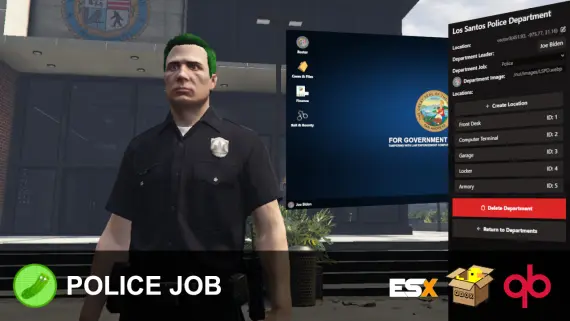
ESX Police Job provides patrol, dispatch and evidence handling for ESX servers as a replacement for esx_policejob. The listing reports that 10692 servers run esx_policejob. The developer claims this replacement includes everything that script offers, adds more features and is better optimized.
The script is available by subscription, with accessible code and support. The reported size is nearly 4000 lines of code. The setup requires the following resources.
In the Police Job Menu, enter a player’s ID under Hire New Officer to hire them. The same menu lets you fire, promote or demote an officer. View Roster shows the whole department, even officers who are off duty. Each entry gives the officer’s name and rank alongside their unique callsign. You can change that callsign when the officer moves up or down in rank.
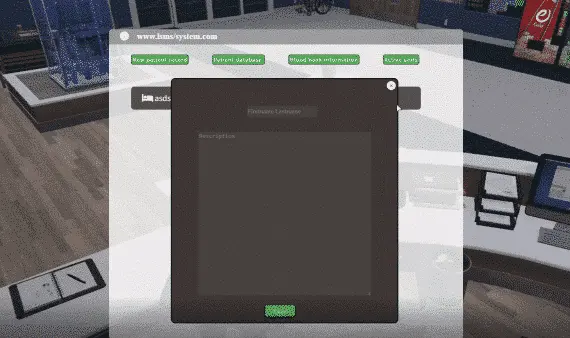
Dispatch uses the computers on the first floor. Both police and players with the dispatch job can open the dispatch menu there. It lists every officer currently on duty. Dispatch can select an individual officer to send them a direct message or a GPS waypoint. The dispatch job gives players a law enforcement role without the dangers officers face.
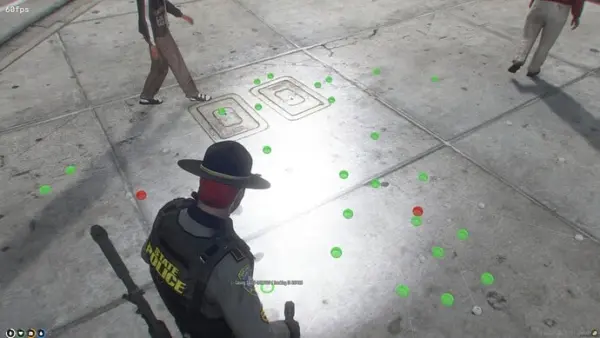
When an officer goes on duty, other officers can see their blip. The officer’s callsign appears with it so colleagues can tell who is responding to a scene. Going off duty hides the blip from colleagues. You can assign colors to individual blips to distinguish the chief, cadets, officers and others. The script also supports adding EMS blips by default.
Going on duty automatically supplies missing items and tops up items an officer has too few of. You can configure restocking for any item and choose both the quantity and the cost. The Police Fund pays the cost directly.
Police can Hardcuff a player with their hands behind their back or Softcuff them with their hands in front. Both restraints show a physical handcuff item on the character. During an escort, the officer’s animation shows them holding the player’s arm while the escorted player moves their legs.
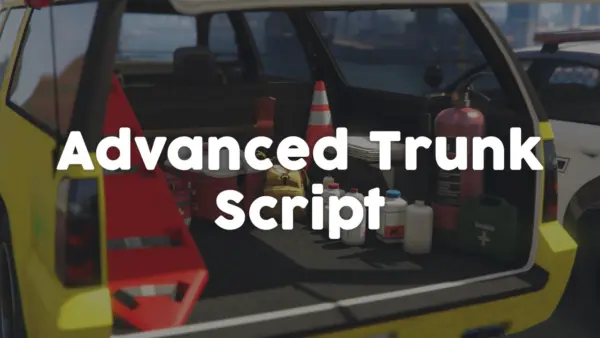
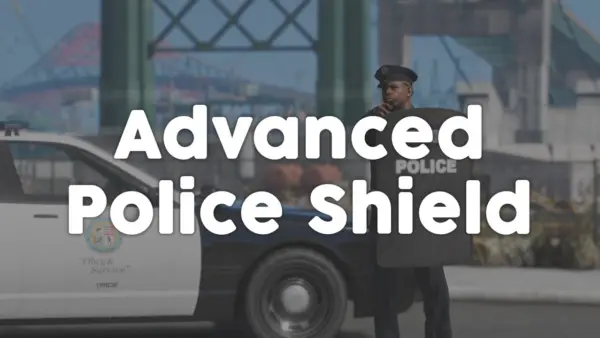
/piv means Put In Vehicle. The command lets you put up to three players into the same vehicle./out removes a player from the vehicle./drag works on living players and dead players. Hold or press S while dragging to move backwards./bill ID amount bills the player identified by ID for the amount entered. The police society fund receives the full amount billed.Add barricades and cones to the armory so officers can place them. To use a Riot Shield, equip your pistol first. The shield protects against bullets. Use it responsibly because its collision can push cars. The demonstration omits the Riot Shield and both vehicle entry and removal commands.
PD Cam lets you position a spy camera anywhere in the world. A red line indicates what the camera will see. Adjust its position before pressing E to place it. You can give the camera a name and watch its footage from the second-floor surveillance room.
The banks and jewelry store already have cameras. You can place more for stakeouts, other heists or other police roleplay. Vehicle Cam lets you put a spy camera in any vehicle. From the same surveillance room, you can view that camera or remove it.
The built-in Evidence System includes an Evidence Bag for inspecting what you have collected. Evidence must be processed before it yields information. A bullet casing collected from a dead body can reveal two details under analysis, the gun’s caliber and the location where you collected the casing.
A serious wound makes a player leave a pool of blood. You can take a sample from that pool and analyze it. The DNA Swab lets you collect DNA from any player and enter it as evidence. You can then compare an analyzed blood sample with DNA from swabs.
Use the Finger Print Kit to lift prints from vehicles. Players who wear gloves leave no prints. A simple event lets you enable print collection at any door or for any robbery. To put a criminal’s fingerprints on record at PD, take them to the processing room and use the desk’s alt-menu. You can compare analyzed prints against the fingerprints already in the system. [Watch the Evidence System video](https://www.youtube.com/watch?v=ctWSxJP3loM).
The developer’s aim was to give everything inside PD a function. Players can sit in every chair. You can configure the break room refrigerator to supply any police officer with food and water. Players can take fire extinguishers off the wall, saving you from adding extra extinguishers to the armory.
Lockers handle storage through Ox Inv and clothing changes through Fivem-apprance. You can add your own exports for a different inventory or clothing script. Players can wash their hands, and a shower removes blood left on them by friends or enemies.
Players can practice with weapons at the firing range. Add range weapons in the Config. The range offers moving targets as well as stationary ones at 5, 10 and 20 meters. When a target disappears, the player receives a score based on the damage they dealt.
From a back seat in the polmav helicopter, press X to rappel. Plans include a Helicopter Camera, Helicopter Spotlight, Police Trackers and a Garage & Impound System. Speed Cams are also under consideration.
Categories: FiveM Jobs Scripts | Best Job Packs for FiveM Servers 2026, ESX Scripts
Your download link arrives by email as soon as checkout finishes. You can also log in to My Account with the email you ordered with and open Downloads. That is also where you find anything you bought before.
Sales are final once a product has been downloaded. If you picked the wrong item and haven't downloaded it yet, contact support and we will swap it for the right one at no charge.
No. Your license covers personal use with the account that made the purchase. Reselling, sharing or uploading the files to public sites ends every license on that account.
Yes. Every product comes with ongoing support and updates. Support for very old versions, or setups running outdated dependencies, can end over time.
Original price was: $40.$15Current price is: $15.
Original price was: $40.$30Current price is: $30.
$10