$12
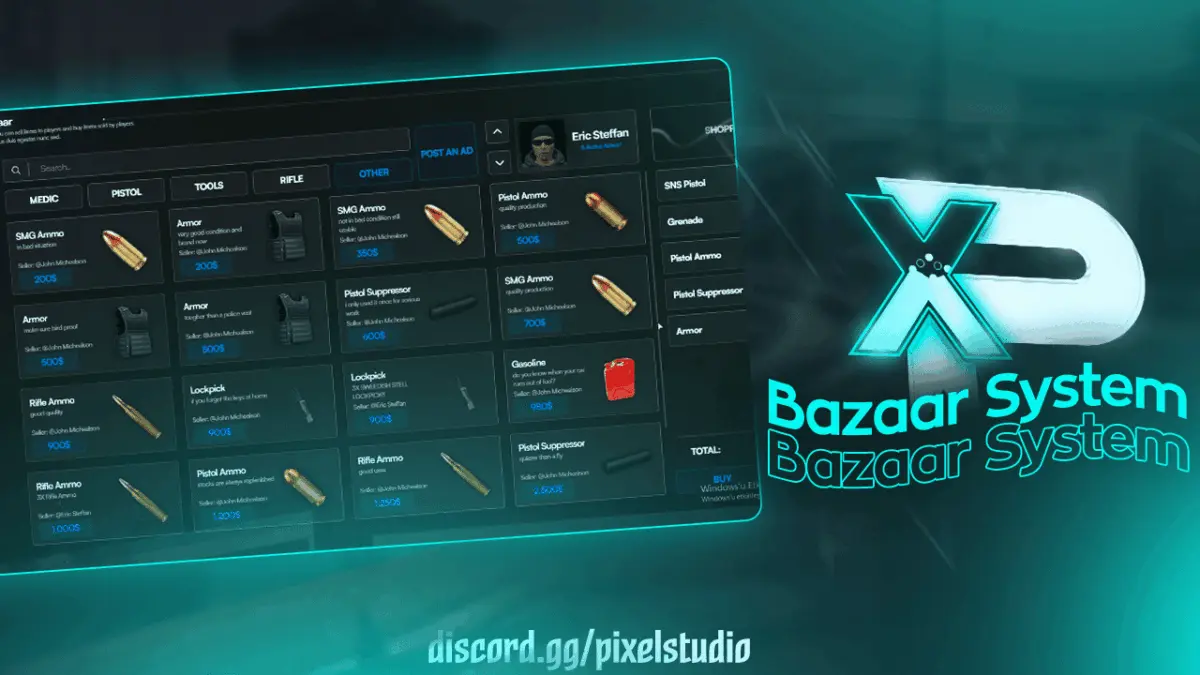
Item Trader for Players | Advanced Bazaar System
$15
- Instant download after checkout
- Download link by email and in My Account
- 24/7 support for installation and setup
- Ongoing updates
- Secure checkout
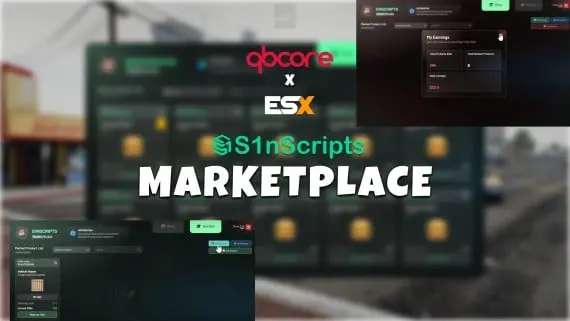
Item Trader for Players adds a bazaar where players list items for sale and buy from one another. It works the same way as a standard market in an MMO RPG. The system is open source and 95% standalone. It includes a detailed config and detailed documentation, and uses the inventory as the source for item images.
Market regions and access
You can add multiple regions for the market. Players visit one of those regions to open the market menu. Choose how they access it there:
- Target interaction
- A key press
- A command
Listing an item
From Post an ad, the seller opens the item sales tab. To select an item, type its first few letters and press enter. If there is a match, this selects it for the ad. The seller can choose how many to offer, set a price per unit and write a description.
The seller can also set the shelf time for the listing. This clock runs in real time. While the ad is active, the seller can edit it at any time. Logging off leaves the ad visible and other players can still purchase the item through it.
Finding items and checking out
The market starts with five categories. Players can browse them to see what others have advertised. A player can also type their name to search for an item they need. Buttons on the left of the profile sort the ads by price, from lowest to highest or highest to lowest.
One click puts an item in the cart. Players can add as many items as they want. For an item in stock, use the plus or minus button to adjust the quantity, or enter the desired amount in the number field between them. Select Buy to purchase the cart contents.
Proceeds and expired ads
Once a purchase goes through, the seller’s account receives the money immediately. Sellers can withdraw it whenever they want through their profile. Players can also view their own market statistics there.
When shelf time runs out, the item comes off the market and other players can no longer see it. The owner can open active ads in their profile and use the refresh button to list the expired ad again at any time. Deleting the ad gives the owner the item back.
The system is described as making item duplication impossible. Its reported optimization figure is 0.0 at all times.
Categories: ESX Scripts, Qbox Scripts, QBCore Scripts, Pixel Studio
Common questions
How do I get my files after I pay?
Your download link arrives by email as soon as checkout finishes. You can also log in to My Account with the email you ordered with and open Downloads. That is also where you find anything you bought before.
Can I get a refund?
Sales are final once a product has been downloaded. If you picked the wrong item and haven't downloaded it yet, contact support and we will swap it for the right one at no charge.
Can I share or resell a script?
No. Your license covers personal use with the account that made the purchase. Reselling, sharing or uploading the files to public sites ends every license on that account.
Do products get updates and support?
Yes. Every product comes with ongoing support and updates. Support for very old versions, or setups running outdated dependencies, can end over time.
You might also like
-
-
FREE!
-
-
-