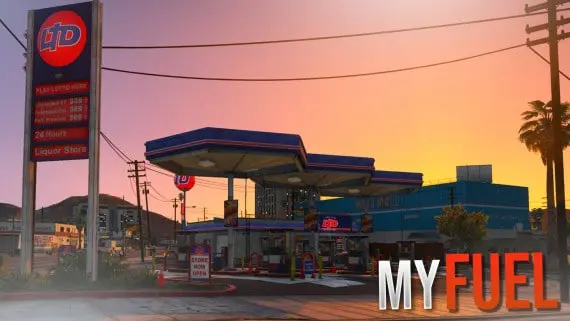
[QB/ESX] Player Owned Gas Stations with Special Fuel
$21
- Instant download after checkout
- Download link by email and in My Account
- 24/7 support for installation and setup
- Ongoing updates
- Secure checkout
myFuel manages fuel for every vehicle and lets players own and manage gas stations on QB and ESX. It supports special fuel. You can configure maximum fuel and consumption by vehicle class or for an individual vehicle. Several fuel types are available.

Players refuel through the fueling interface shown here.

Stations have a separate management interface. Owners can set prices and upgrade storage. To replenish stock, they can purchase different types of fuel or complete missions.

To set fuel, use exports[‘myFuel’]:SetFuel(vehicle, amount). To read it, use exports[‘myFuel’]:GetFuel(vehicle).
Categories: ESX Scripts, Qbox Scripts, QBCore Scripts, Vames
Common questions
How do I get my files after I pay?
Your download link arrives by email as soon as checkout finishes. You can also log in to My Account with the email you ordered with and open Downloads. That is also where you find anything you bought before.
Can I get a refund?
Sales are final once a product has been downloaded. If you picked the wrong item and haven't downloaded it yet, contact support and we will swap it for the right one at no charge.
Can I share or resell a script?
No. Your license covers personal use with the account that made the purchase. Reselling, sharing or uploading the files to public sites ends every license on that account.
Do products get updates and support?
Yes. Every product comes with ongoing support and updates. Support for very old versions, or setups running outdated dependencies, can end over time.
You might also like