[QB] qb-carboosting NoPixel Inspired for qb-core framework
$20
- Instant download after checkout
- Download link by email and in My Account
- 24/7 support for installation and setup
- Ongoing updates
- Secure checkout
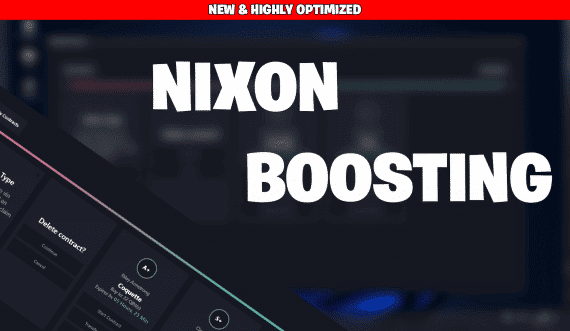
qb-carboosting gives players on the qb-core framework a special laptop for picking up different types of car boosting contracts. NoPixel inspired this resource by ventraks.
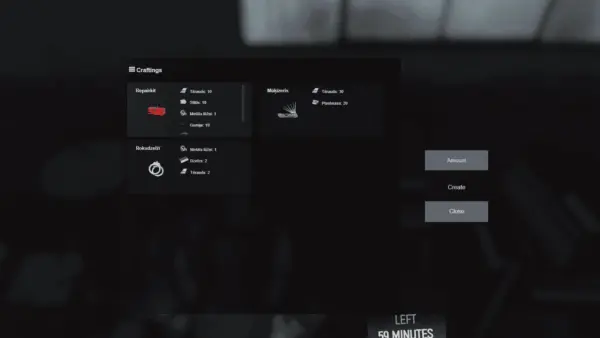
Contract classes on the laptop
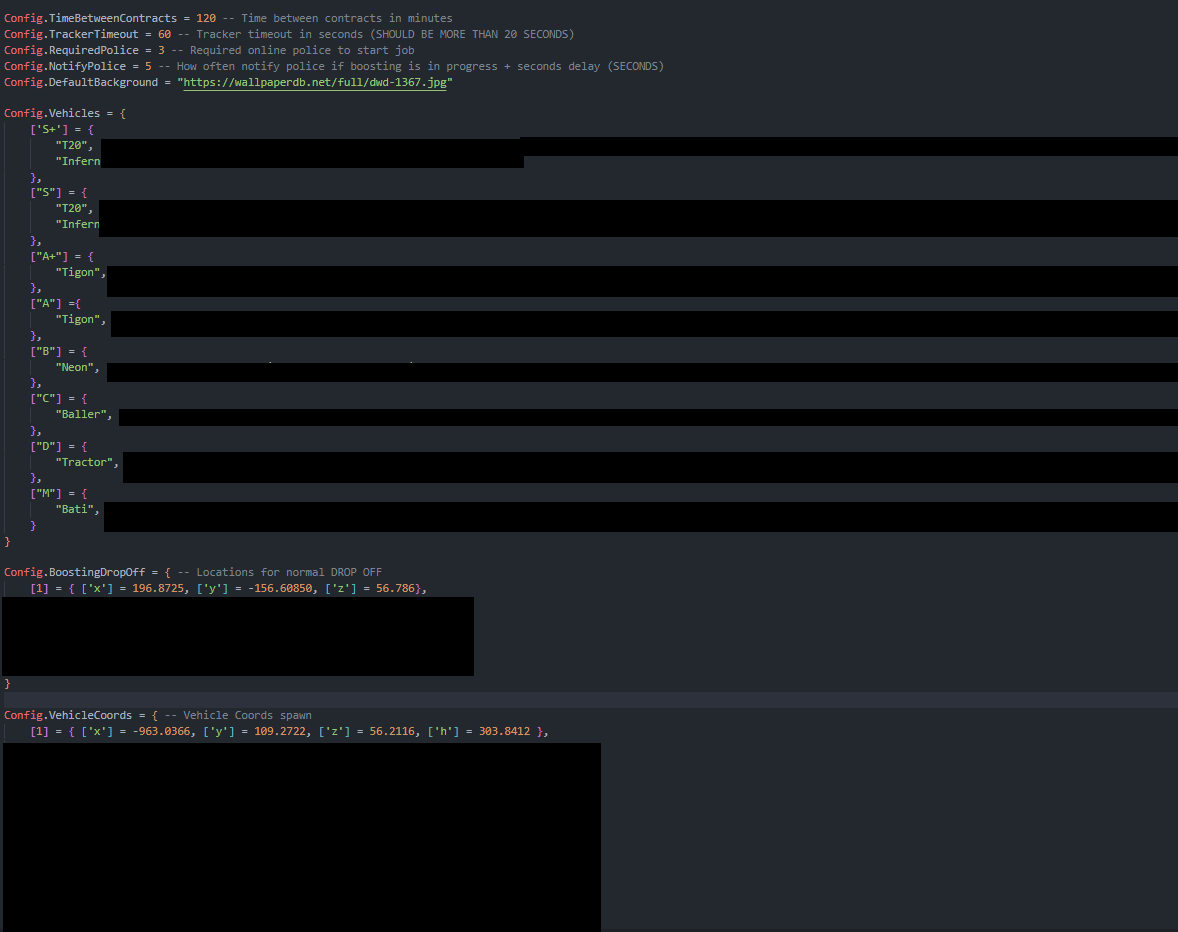
Players begin at a low level. Earning XP lets them level up and gain access to higher contracts. At B, an S+ contract is still out of reach. At A+, a player working toward S+ can get contracts in six classes. Those classes are D, C, B, M, A and A+. Of all the contracts, S+ offers the greatest rewards.
Finding and delivering the car
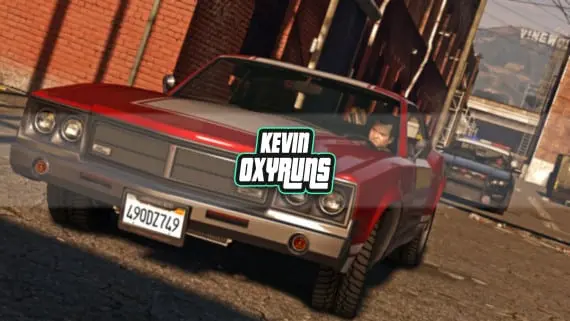
Activate a contract and check the GPS. The area marked in blue contains the target car. Players have to find that car and pick its lock. Cars at higher levels are faster. A higher class boost also requires players to lose the police before they make the delivery.
An A+ car carries a tracker that updates the police GPS with the player’s location. Removing it takes a hack, and the hack takes time. Players have to keep outrunning the police while it runs. Once the hack finishes, the tracker comes off.
To deliver the car, park it in the designated spot. Its condition affects two of the rewards. Any damage cuts both the QBit(s) payout and the XP award. More severe damage means a larger cut to both.
Contract rewards and garage storage
Boosting offers three kinds of reward. Every contract pays QBit(s) on completion. Moving up to a higher contract means taking on a more difficult boost for a larger QBit(s) payout. Contracts also award the XP players need to advance.
The third reward lets a player Vin Scratch a car and keep it in their garage. Even if the server resets, they can take it back out and use it. The car is still stolen, so the player has no legal ownership. If the police catch the player with that car, the player loses it.
Boosting in action
Categories: Qbox Scripts, QBCore Scripts
Common questions
How do I get my files after I pay?
Your download link arrives by email as soon as checkout finishes. You can also log in to My Account with the email you ordered with and open Downloads. That is also where you find anything you bought before.
Can I get a refund?
Sales are final once a product has been downloaded. If you picked the wrong item and haven't downloaded it yet, contact support and we will swap it for the right one at no charge.
Can I share or resell a script?
No. Your license covers personal use with the account that made the purchase. Reselling, sharing or uploading the files to public sites ends every license on that account.
Do products get updates and support?
Yes. Every product comes with ongoing support and updates. Support for very old versions, or setups running outdated dependencies, can end over time.
You might also like