-50%
Original price was: $50.$25Current price is: $25.


$25
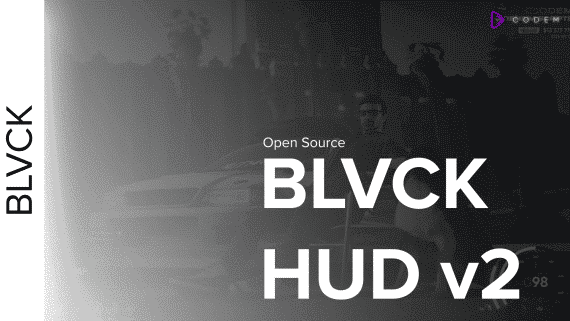
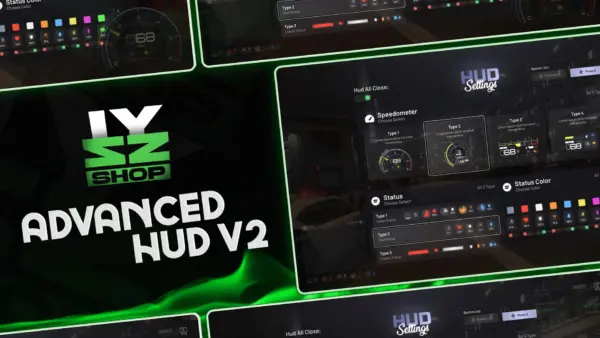
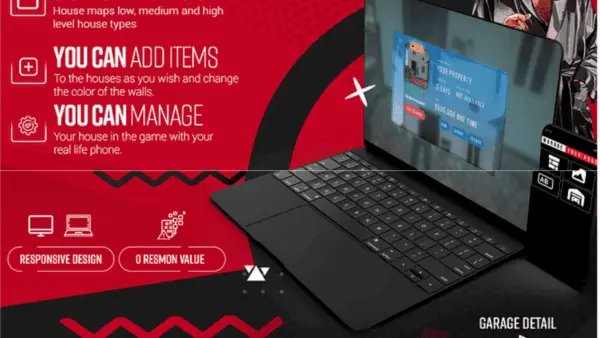
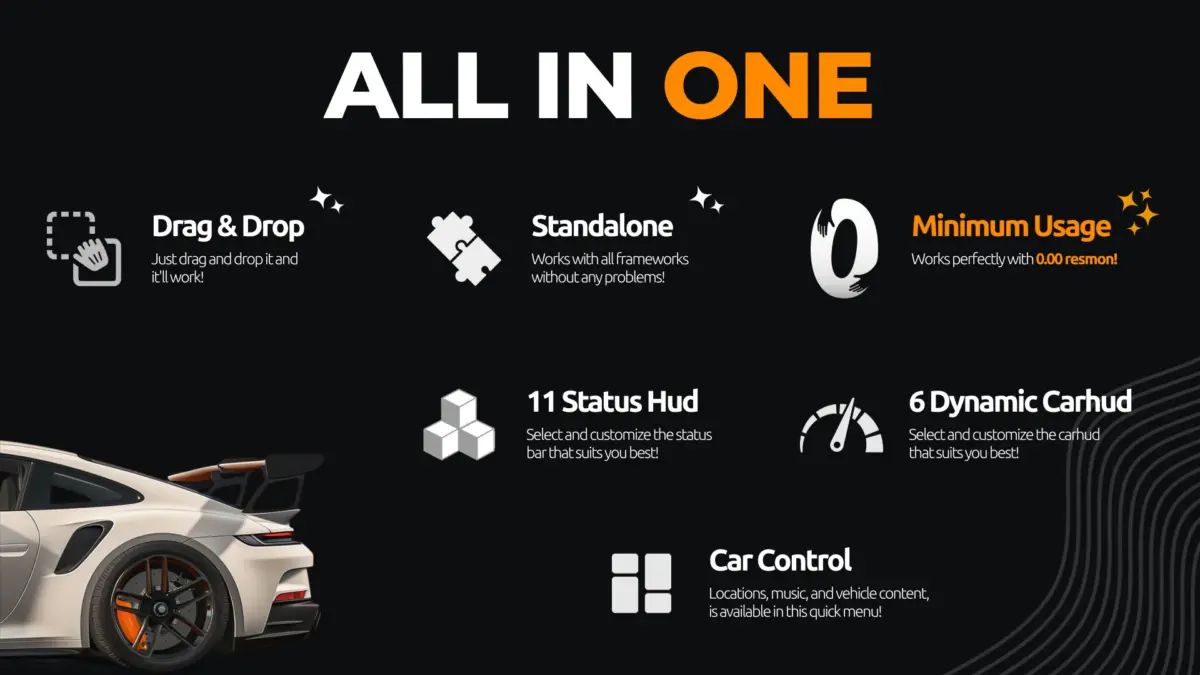
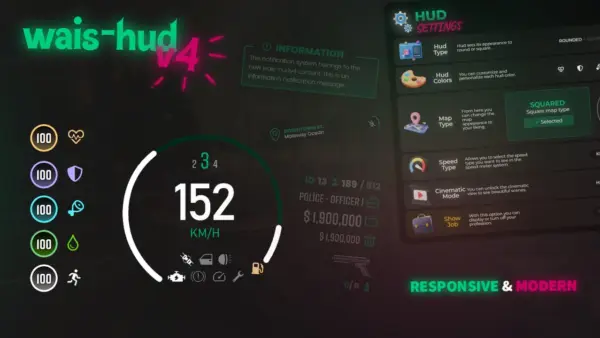
WAIS HUD V6 gives FiveM servers an all-in-one, fully customizable HUD with status bars, vehicle displays and a car control menu. Install it by placing the HUD in the resources folder. It runs straight away. The resource is standalone and needs no framework. It works with QBCore, ESX or any other framework.
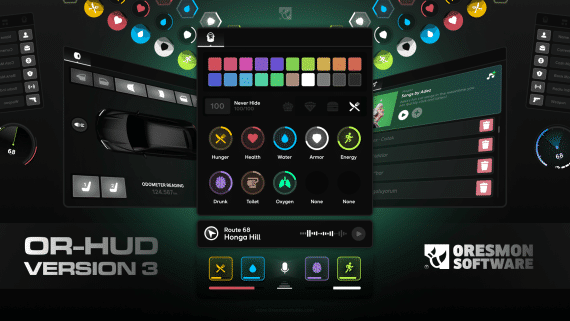
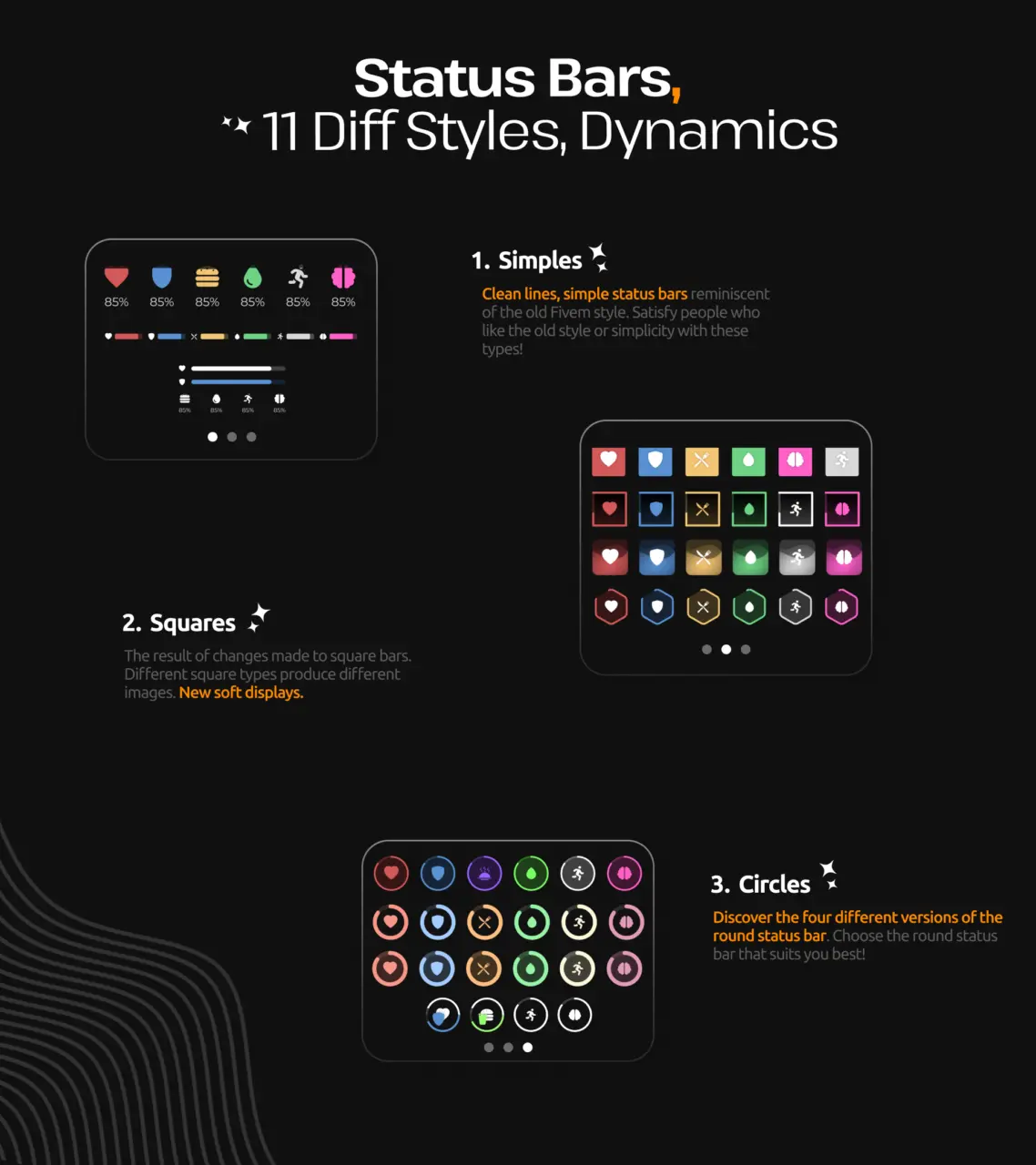
The 11 status bar styles span three categories, with several variations in each.
Choose from four compact panels for the right corner. The widget can show job title and gang affiliation, cash and bank balance, as well as other information.
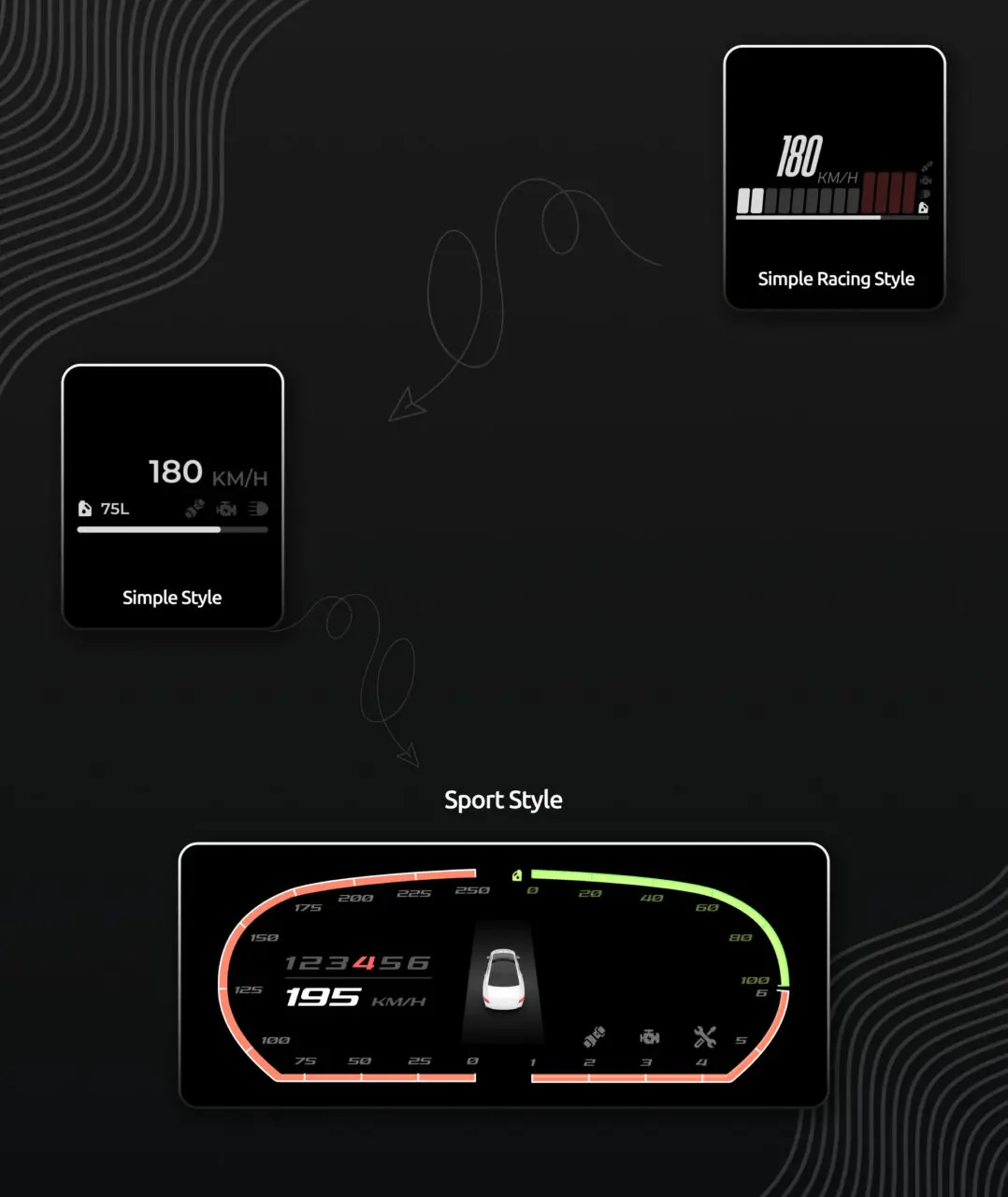
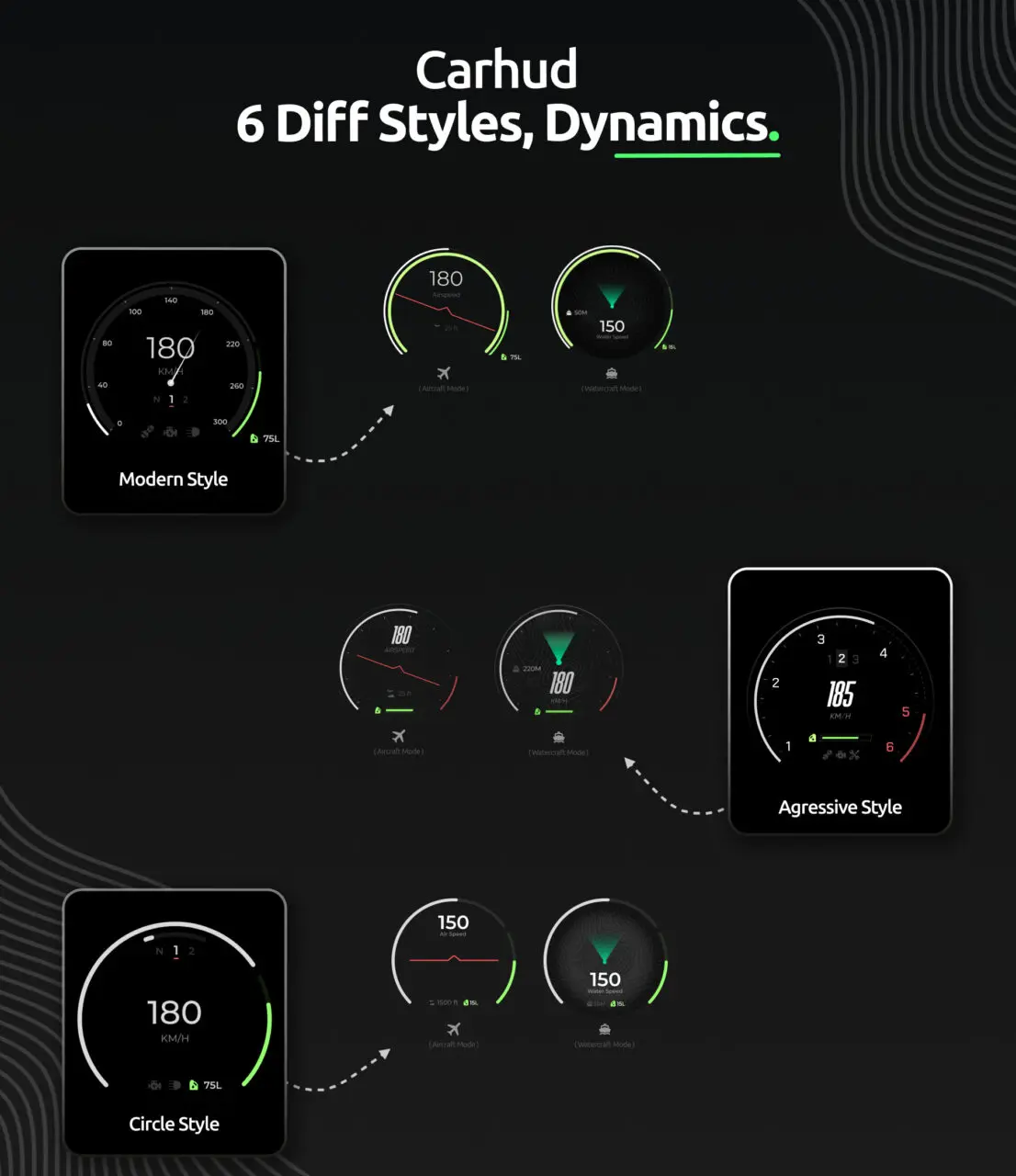
All six dynamic speedometers are fully animated. Aircraft, boats and cars each have dedicated displays. The vehicle HUD adapts to the type of vehicle you drive.
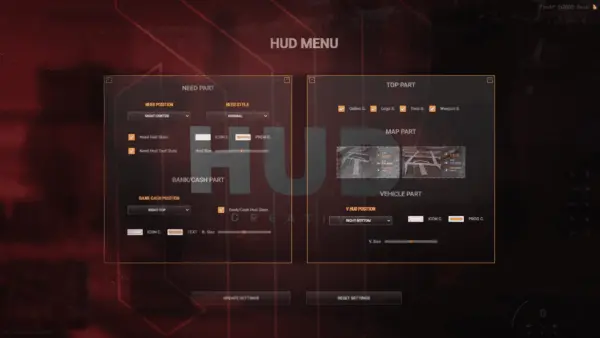
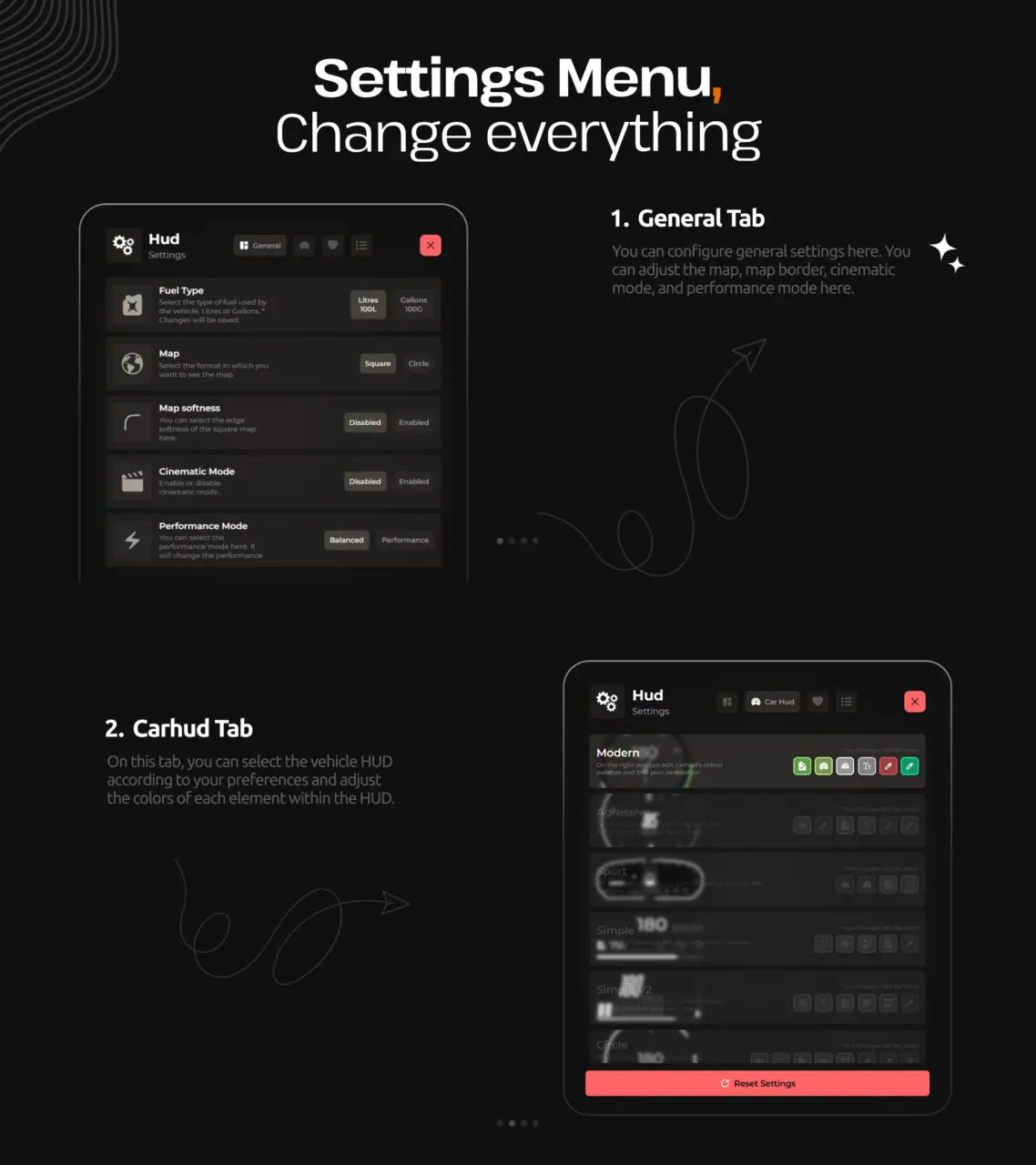
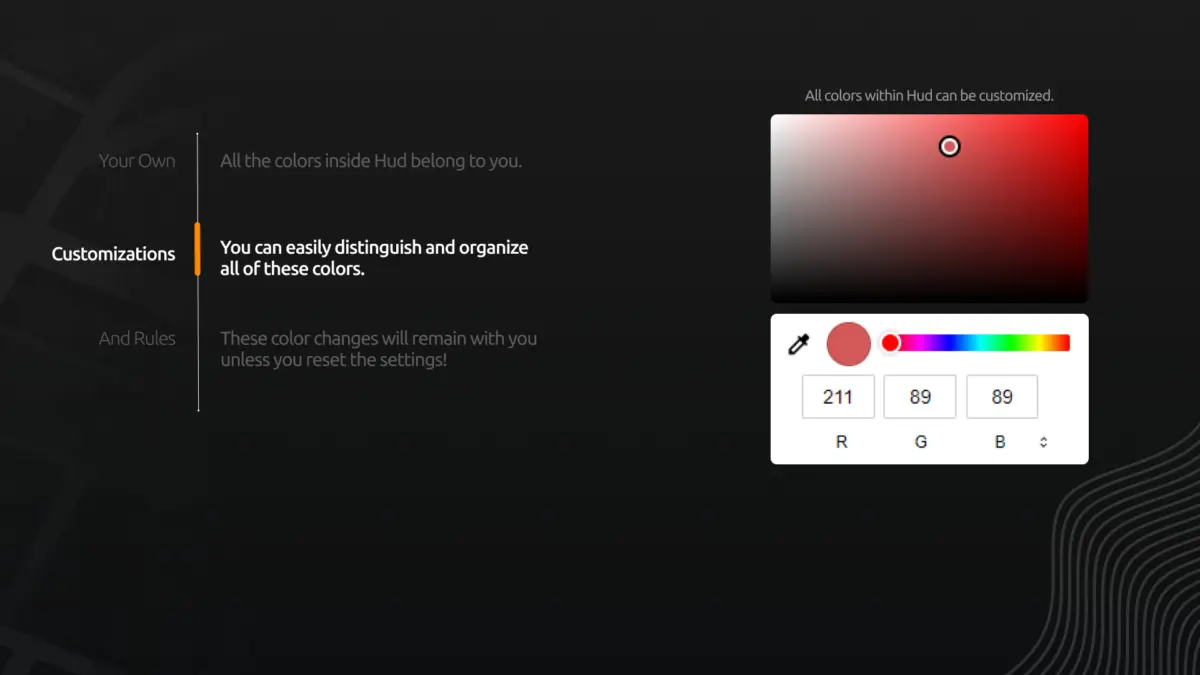
Every HUD color is editable. You can set colors separately for individual UI accents, status bars and vehicle HUD elements.
Your settings carry over between sessions until you reset them. At any time, one click on Reset brings back the defaults.
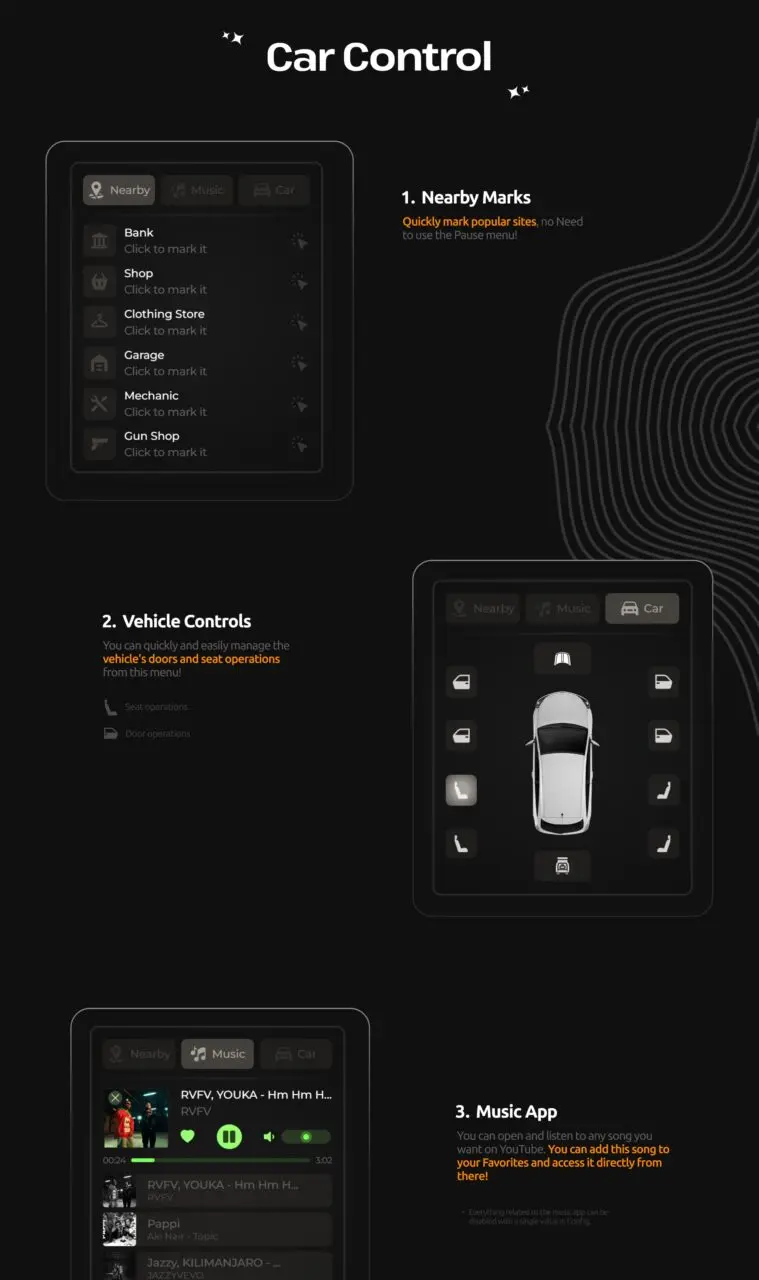
Use Vehicle Controls inside the vehicle to manage seat positions and doors. Nearby Marks puts pins on the map instantly for popular locations, including garages, banks, mechanics, clothing stores, gun shops and shops. The pause menu can stay closed.
Music Player streams YouTube music in-game. Save a song to your favorites to find it quickly.
The HUD uses near-zero resources. Outside a vehicle, resmon reads 0.00ms. During driving it reads 0.01ms. The server runs smoothly at any online player count.
Categories: ESX Scripts, Qbox Scripts, QBCore Scripts
Your download link arrives by email as soon as checkout finishes. You can also log in to My Account with the email you ordered with and open Downloads. That is also where you find anything you bought before.
Sales are final once a product has been downloaded. If you picked the wrong item and haven't downloaded it yet, contact support and we will swap it for the right one at no charge.
No. Your license covers personal use with the account that made the purchase. Reselling, sharing or uploading the files to public sites ends every license on that account.
Yes. Every product comes with ongoing support and updates. Support for very old versions, or setups running outdated dependencies, can end over time.
Original price was: $50.$25Current price is: $25.
Original price was: $60.$40Current price is: $40.
FREE!